Keep their story close.
Save conversation notes, interests, family details, work information, and gift ideas. Read back through what matters before you meet.
 Cherish
The story they told you. Their next big day. That coffee you meant to plan. Keep the little details together, ready for your next conversation.
For Android · Optional AI and Premium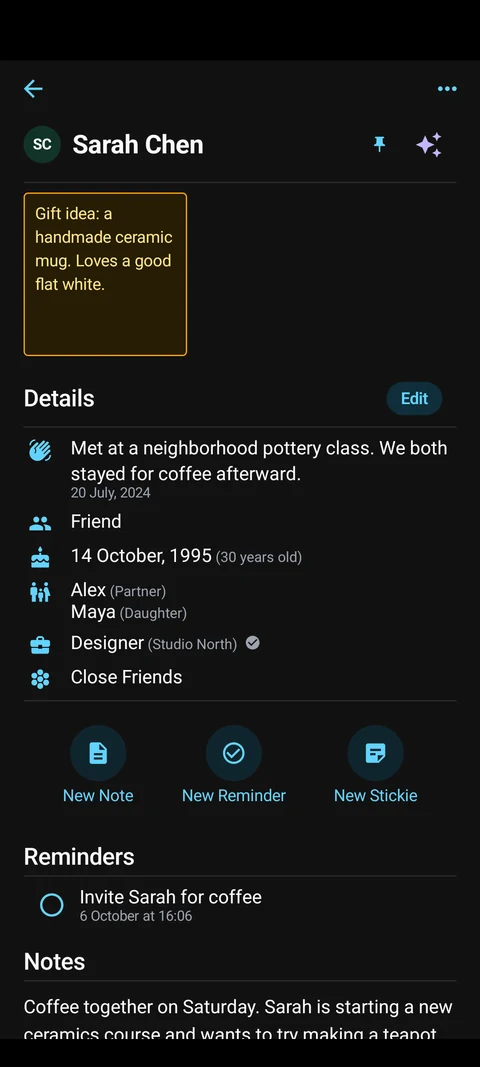
Save conversation notes, interests, family details, work information, and gift ideas. Read back through what matters before you meet.
Keep birthdays and important dates alongside local reminders and recurring follow-ups. Give a good intention a place on your calendar.
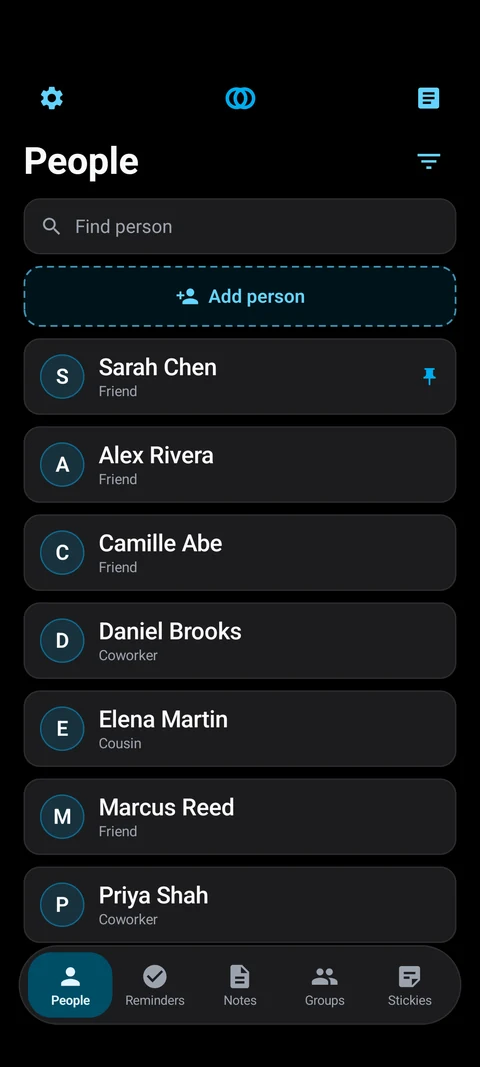
Organize people in groups, keep quick ideas in Stickies, and search your saved information when you need it.
Create a person’s profile and save a detail you want to remember.
Capture what you discussed or an idea for next time.
Add a reminder. Before you reconnect, open their profile and pick up the thread.
People, notes, groups, dates, and reminders are stored locally. Cherish does not provide notebook cloud sync. Export and restore a JSON backup to keep a portable copy, and use optional Android app lock for extra privacy.
AI is your choice. Ask Cherish and AI note cleanup send your question or selected information to Cherish’s service and its AI provider. AI can be inaccurate; review answers against their source excerpts.
Before you get started.
The core notebook includes unlimited people, ordinary notes, and reminders, along with search, contact linking, app lock, themes, and export/restore. Groups, Stickies, and AI have free allowances. Current limits and optional upgrades are shown in the app.
Cherish does not provide hosted notebook synchronization. Use JSON export and restore to keep or transfer a copy of your notebook. Store exported files somewhere safe: they can contain personal information.
No. Ordinary notebook features and local matching work without hosted AI. Use Ask Cherish or AI note cleanup only when you want the selected information processed online.
Manage or cancel your subscription through Google Play under Payments & subscriptions. Uninstalling Cherish does not cancel a subscription. Subscription expiry does not remove your saved notebook records.
Check notification and alarm permissions for Cherish in Android settings, along with your device’s battery restrictions. Reminders run locally on your device. Contact support with your device model and Android version if you still need help.
Edit or delete notebook records in the app, or reset local data in Settings. Delete exported backups separately. To request deletion of service-side data, email support. The privacy policy explains which verification records may be retained.
Questions, feedback, or something that isn’t working? Get in touch about Cherish.